
A simple editor script that maximizes Unity's window area by hiding title bar and menu (Windows only)
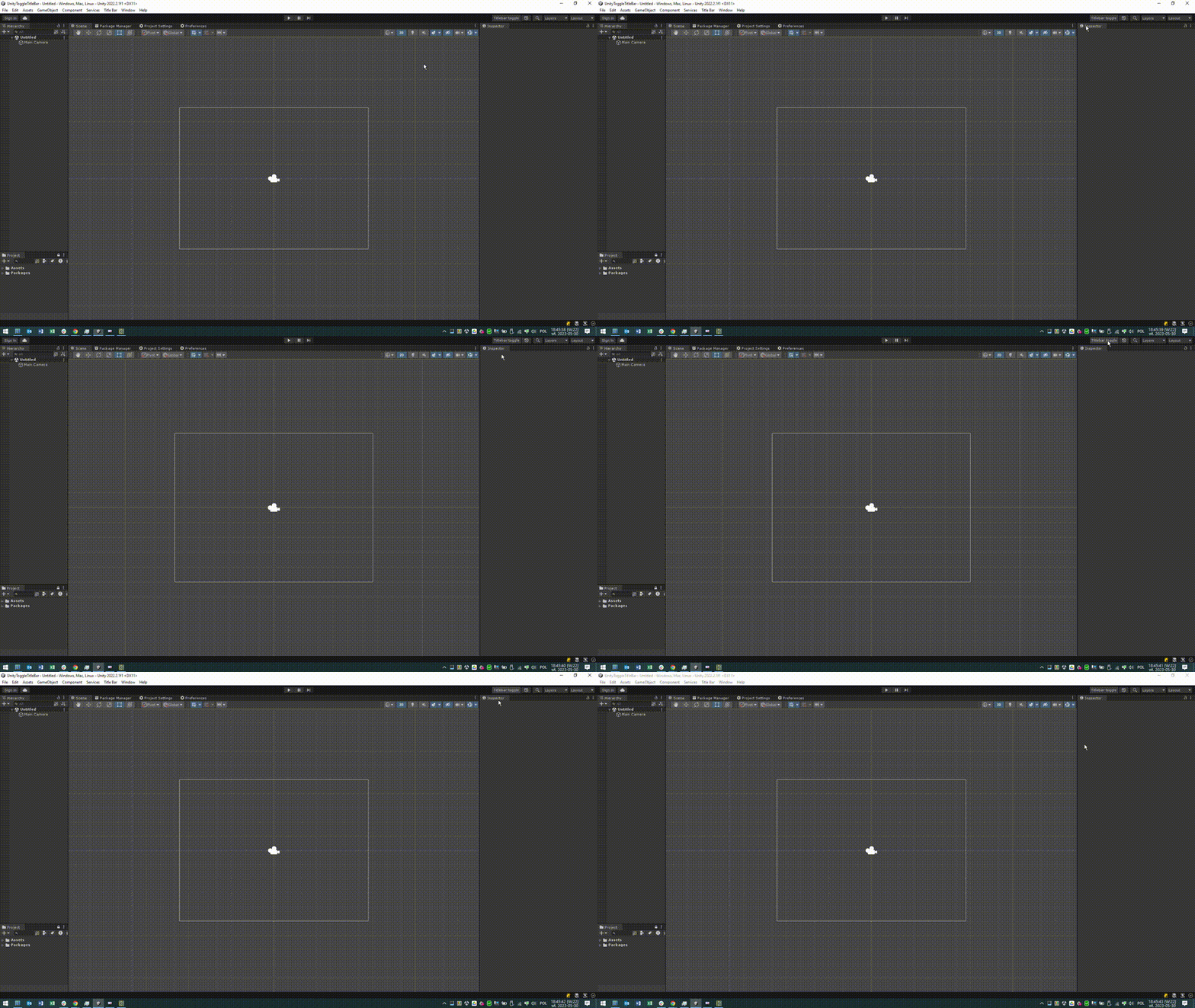
Since Unity doesn't support GIT url dependencies in package.json installation requires adding first extender package and then this package. To do so paste into Unity's package manager (PLUS SIGN, add package from GIT URL) the following urls:
- first https://github.com/marijnz/unity-toolbar-extender.git
- then https://github.com/rostok/UnityToggleTitleBar.git
Alternatively, you can just edit Packages/manifes.json file in your project and add these two lines to dependencies section:
    "com.marijnzwemmer.unity-toolbar-extender": "https://github.com/marijnz/unity-toolbar-extender.git",
    "com.github.rostok.unitytoggletitlebar": "https://github.com/rostok/UnityToggleTitleBar.git",
Press F11 or button left of Undo History to toggle the title bar and menu.
Xql-_-Qxl noticed that when the Unity Editor is in fullscreen (hidden titlebar state) minimizing it via the taskbar and then restoring it causes the taskbar to remain hidden.
https://github.com/marijnz/unity-toolbar-extender
MIT with additional condition that you can't use this for anything concerning military.