
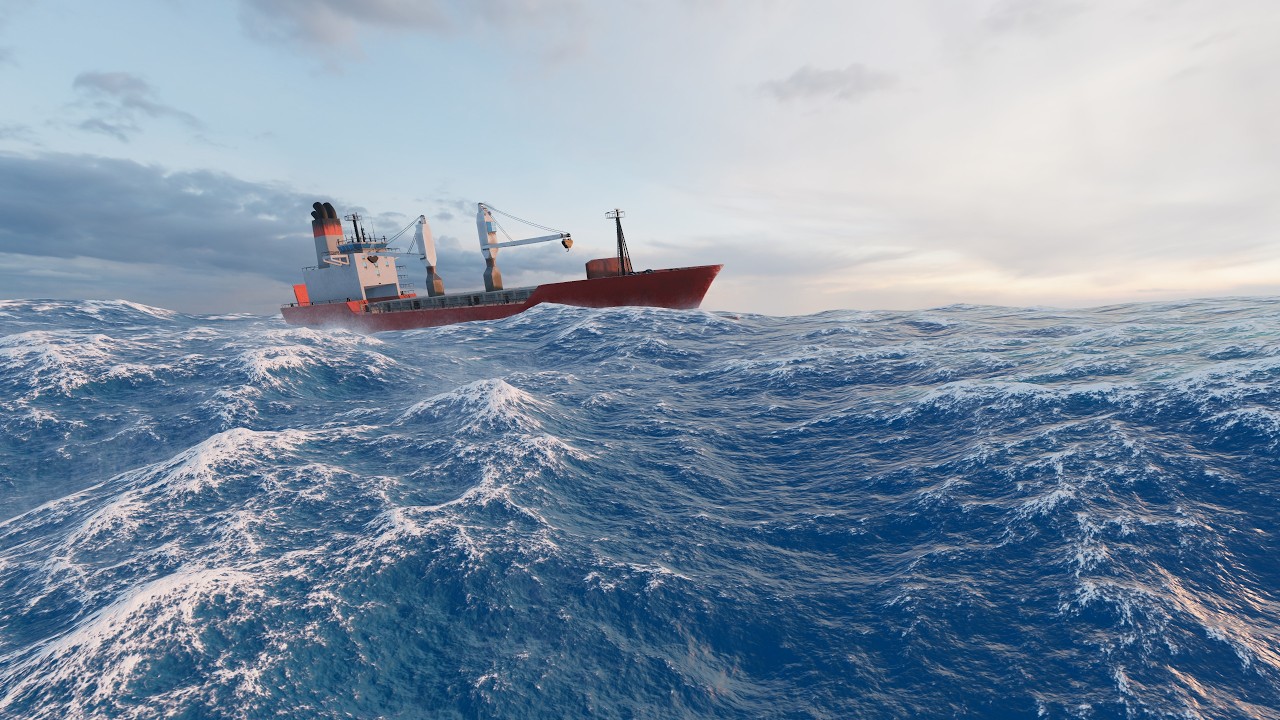
HydroGL is a modern OpenGL 3D ocean simulation project.
- Implementation of the Tessendorf method for free surface simulation, including the following enhancements to the original paper:
- empirical spectrum (JONSWAP),
- directional spread,
- cascades,
- water velocity calculations,
- simulation of the influence of buoyancy and drag forces on floating objects,
- simulation of dynamic waves created by floating objects,
- water foam mask,
- spray particle system implemented entirely on the GPU,
- subsurface scattering calculations,
- refraction and absorption calculations,
- LOD system using geomorphing,
- 3D rendering engine:
- PBR materials,
- image-based lighting,
- cascading shadow matrices,
- directional lights, point lights and spotlights.
 |
 |
|---|
| Input | Action |
|---|---|
W A S D Move camera |
|
Right Mouse Button (Hold & Drag) |
Rotate camera |
H |
Toggle GUI overlay |
This project only works on Windows systems (tested on Windows 10 and 11).
The executable is provided in the Releases section.
Building the project requires:
- CMake 3.31+,
- Microsoft Visual Studio toolset (tested with MSVC 17.14.26).
To build the project, clone the repository using:
git clone 'https://github.com/kacper119p/HydroGL.git'Enter the cloned repository's root folder:
cd .\HydroGL\Run the following commands to build the project (assumes cmake.exe is in the PATH):
cmake.exe -B $BuildDirectoryName
cmake.exe --build $BuildDirectoryName --config Release # or Debug
You can also use the IDE of your choice. Most IDEs will autodetect the CMake project and provide options to configure and build it.
The sample scene renders in 4.6-7.2 ms depending on the camera's position and orientation on a computer with an NVIDIA GeForce RTX 5070 Ti and an AMD Ryzen 7 9800X3D.
- In the ThirdParty folder:
- managed by CPM:
- Dear ImGui,
- glm,
- spdlog,
- EnTT,
- assimp,
- Jolt Physics,
- googletest,
- OpenGL.