


Mularr is a powerful integration for aMule that provides a functional web interface with a nostalgia-infused retro touch. It bridges the gap between classic P2P and modern automation tools by offering qBittorrent-compatible APIs and Torznab indexers, making it seamless to use aMule with apps like Sonarr and Radarr.
It can also use the Telegram Network as a download provider, set up from its own Telegram section. This requires a real account (not a bot) to access groups/channels with media files.
- *Arr Integration: Native support for Sonarr/Radarr via qBittorrent & Torznab API compatibility.
- Docker Ready: Easy deployment using Docker and Docker Compose.
- Telegram Integration:
- Notifications: Get notified of your downloads via a Telegram bot.
- Provider: Use the Telegram network for searching and downloading files.
- Hispashare Provider: Search the Hispashare catalogue of eD2k releases alongside the aMule network.
- 🛡️ VPN Ready: Built-in support for Gluetun health checks and automatic port updates.
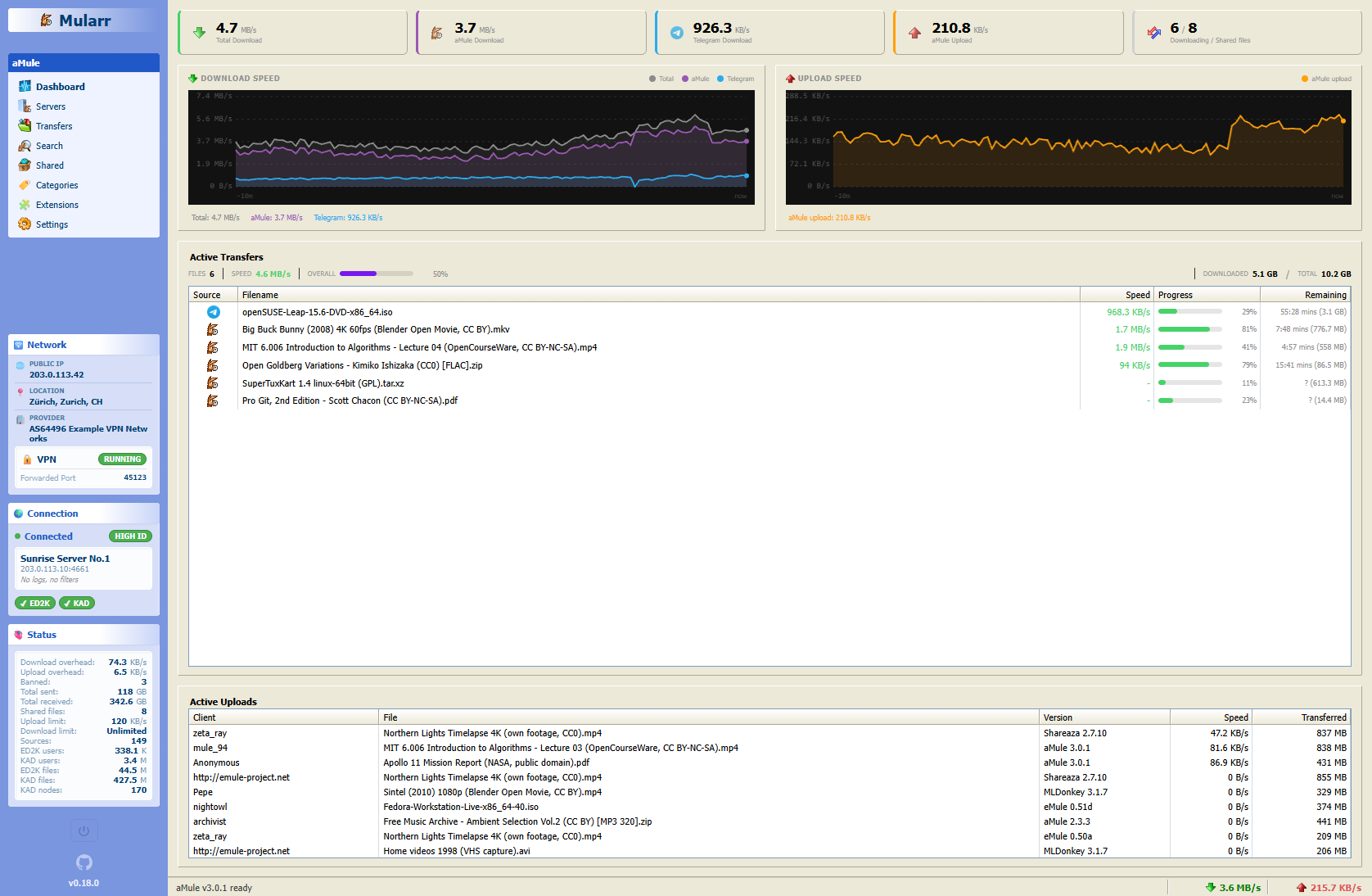
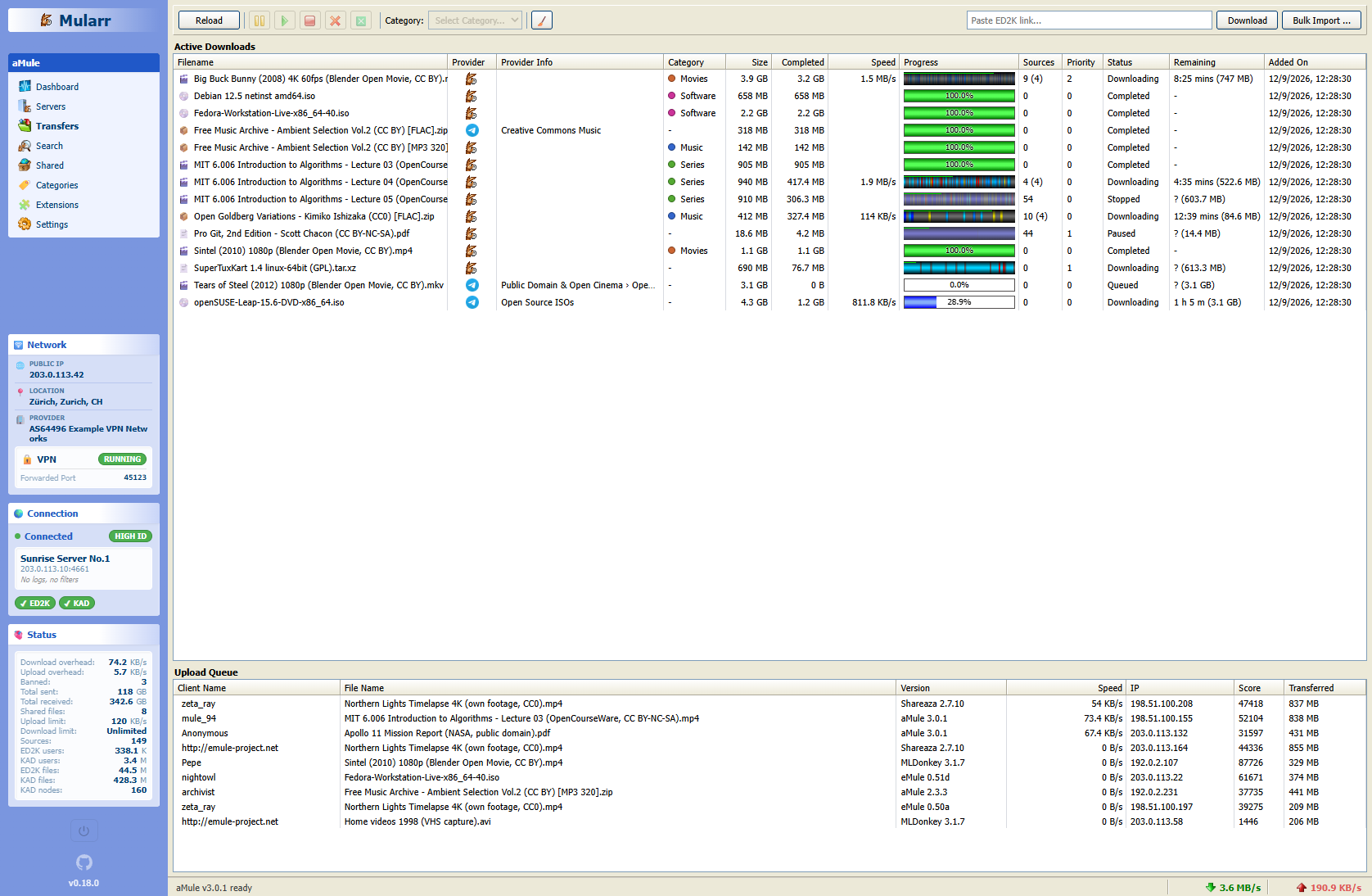
- Retro-Style Web Interface: A fully responsive UI with a nostalgic Windows XP feel. Includes multiple themes like Classic, Windows 11, Hacker and Modern.
- Built with Chispa.
The easiest way to get Mularr running is using Docker Compose:
services:
    mularr:
        image: ghcr.io/joecarl/mularr
        container_name: mularr
        restart: unless-stopped
        ports:
            - '8940:8940'
        volumes:
            - ./data:/app/data

    # Check docker-compose.example.yml for a full configuration guide
Run it with:
docker-compose up -dAccess the web UI at http://localhost:8940.
Mularr ships with multiple themes:
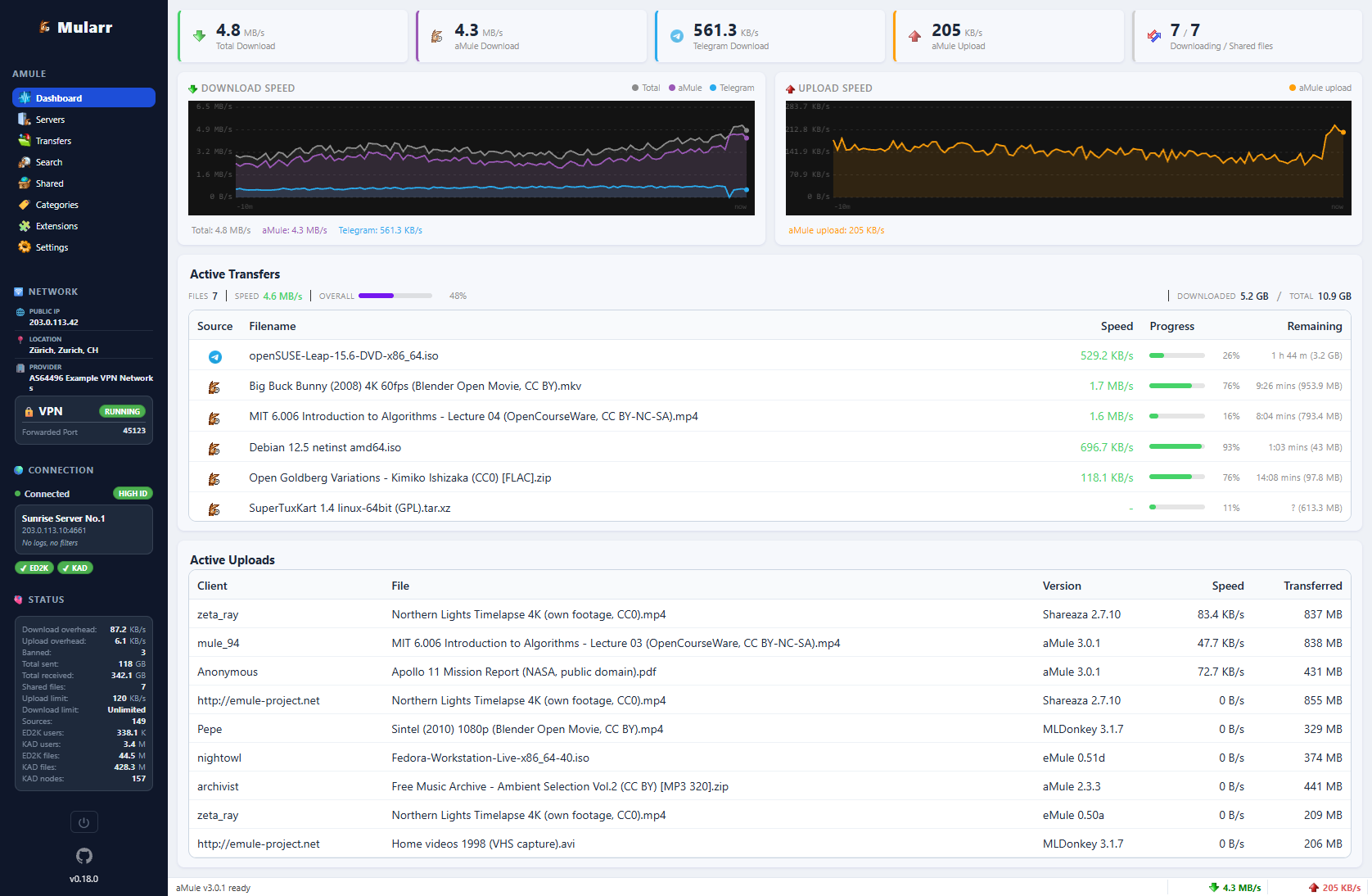
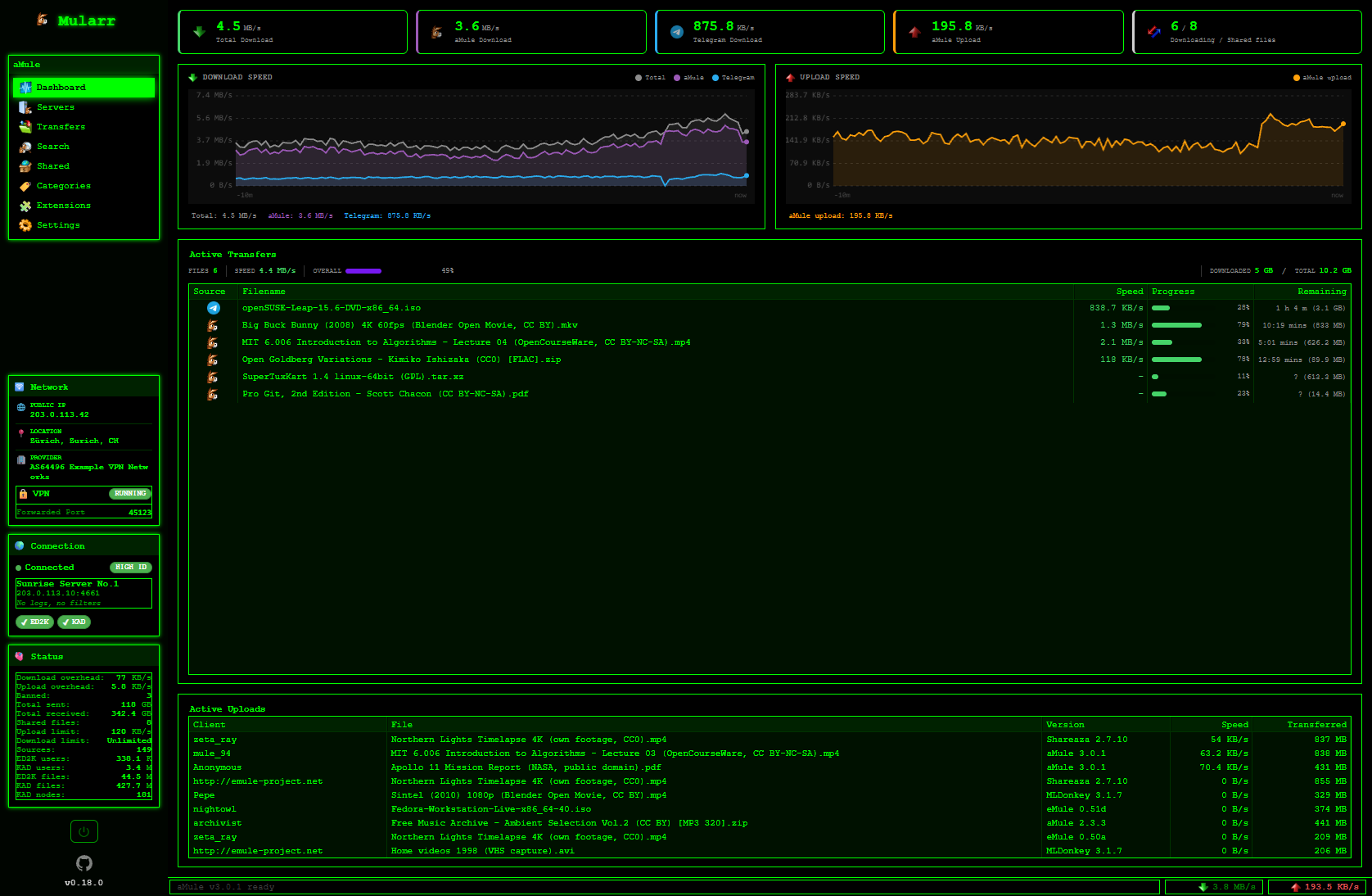
Dashboard view
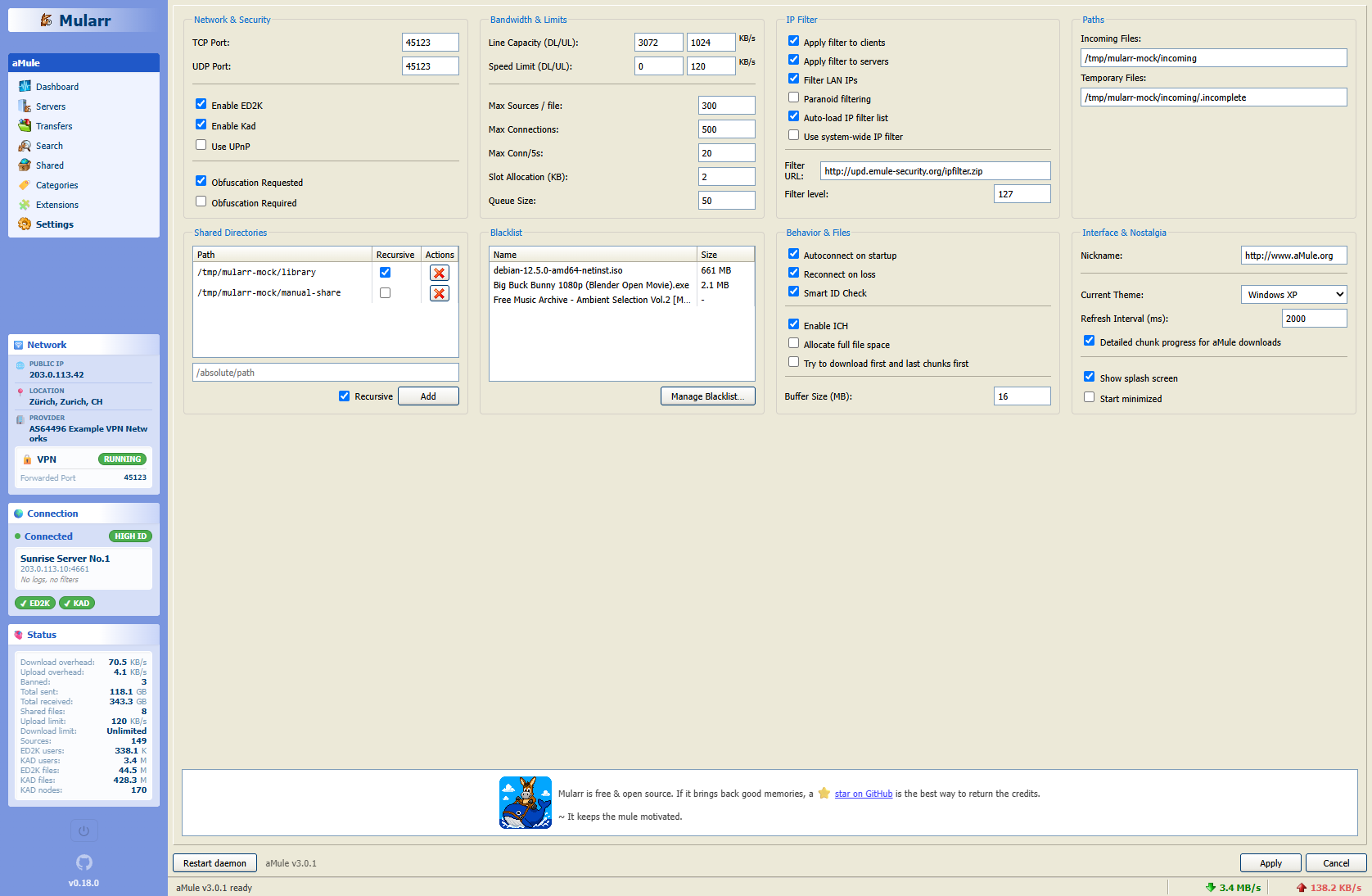
Dashboard, Transfers and Settings view
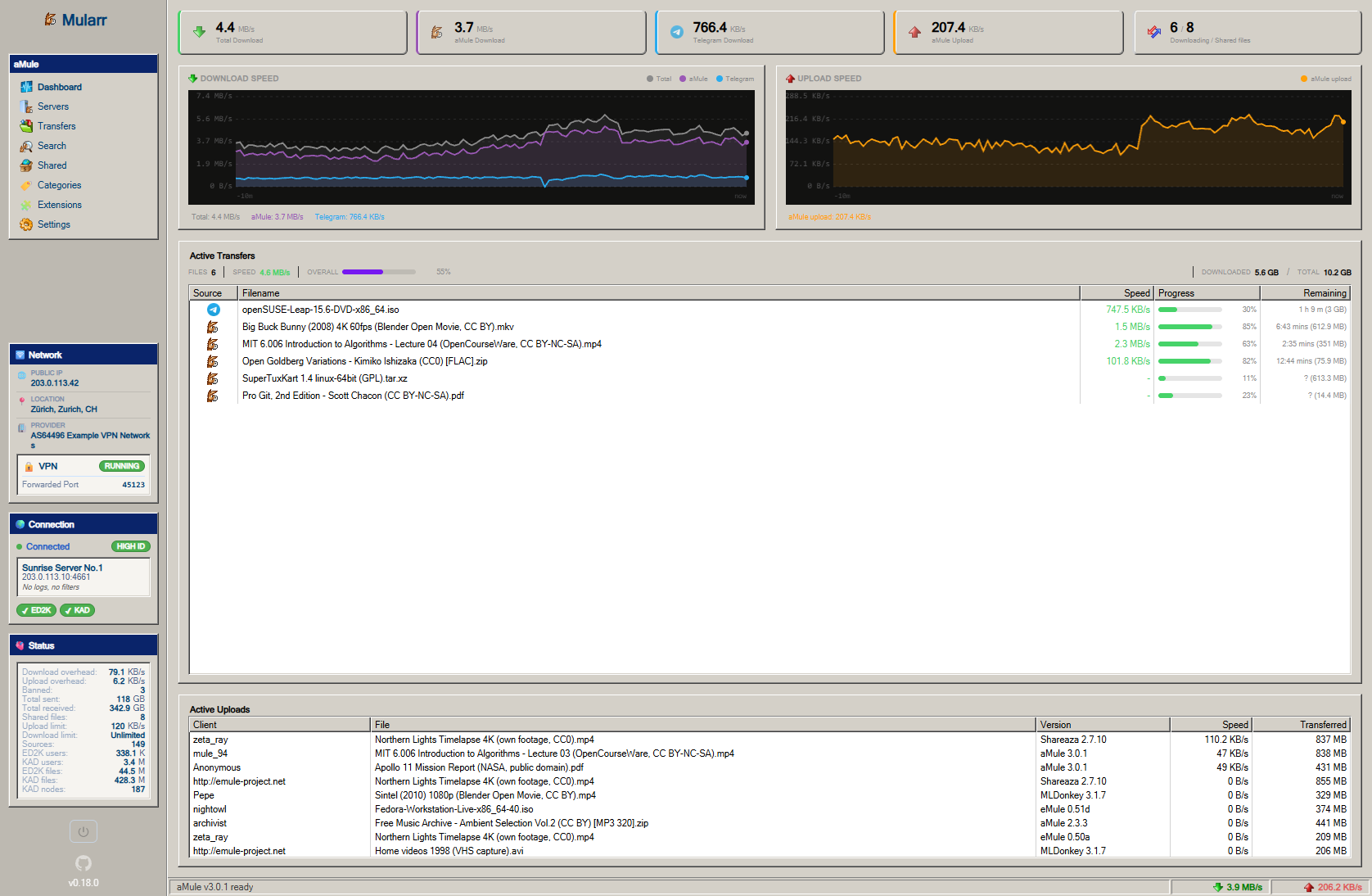
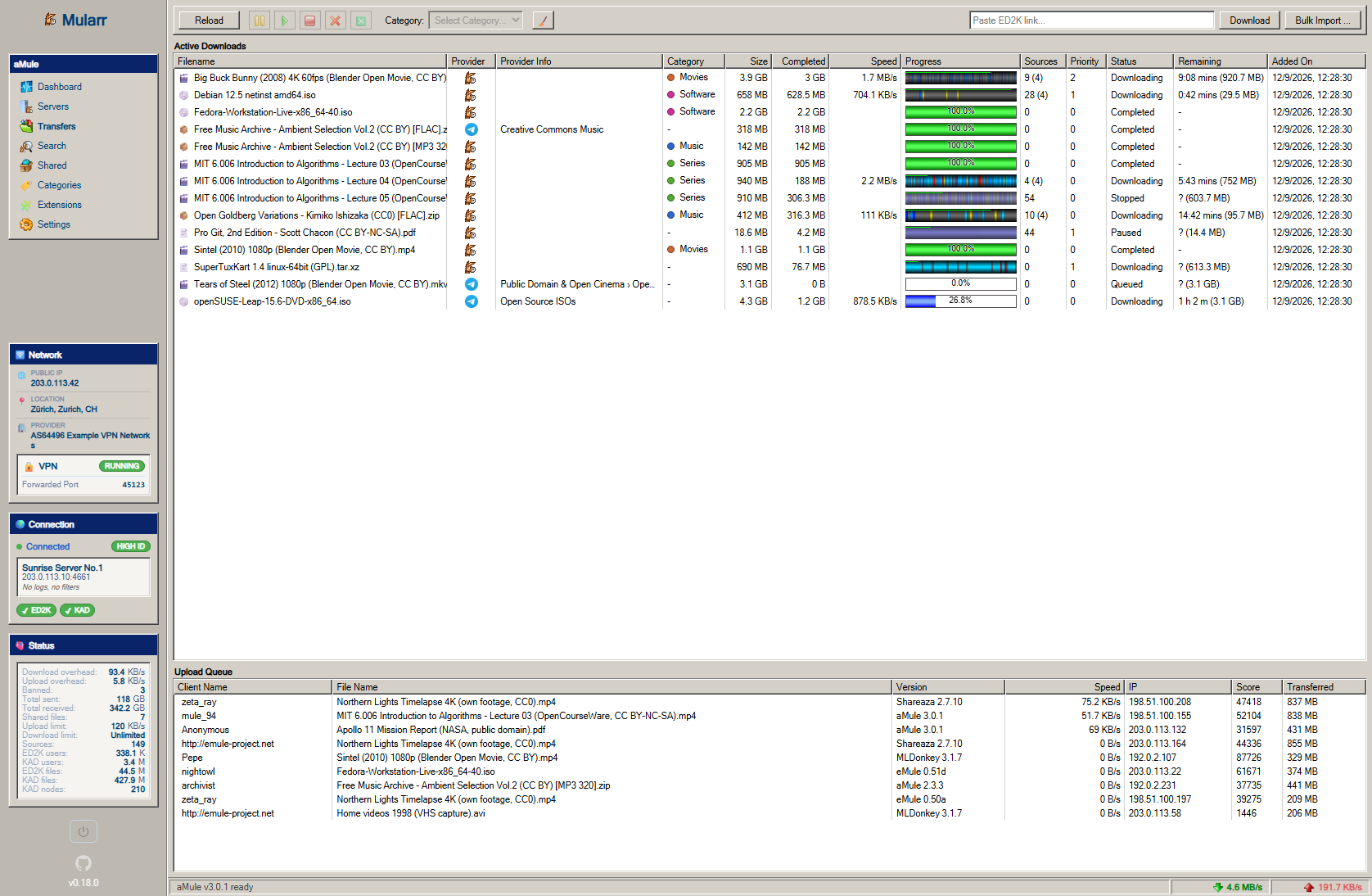
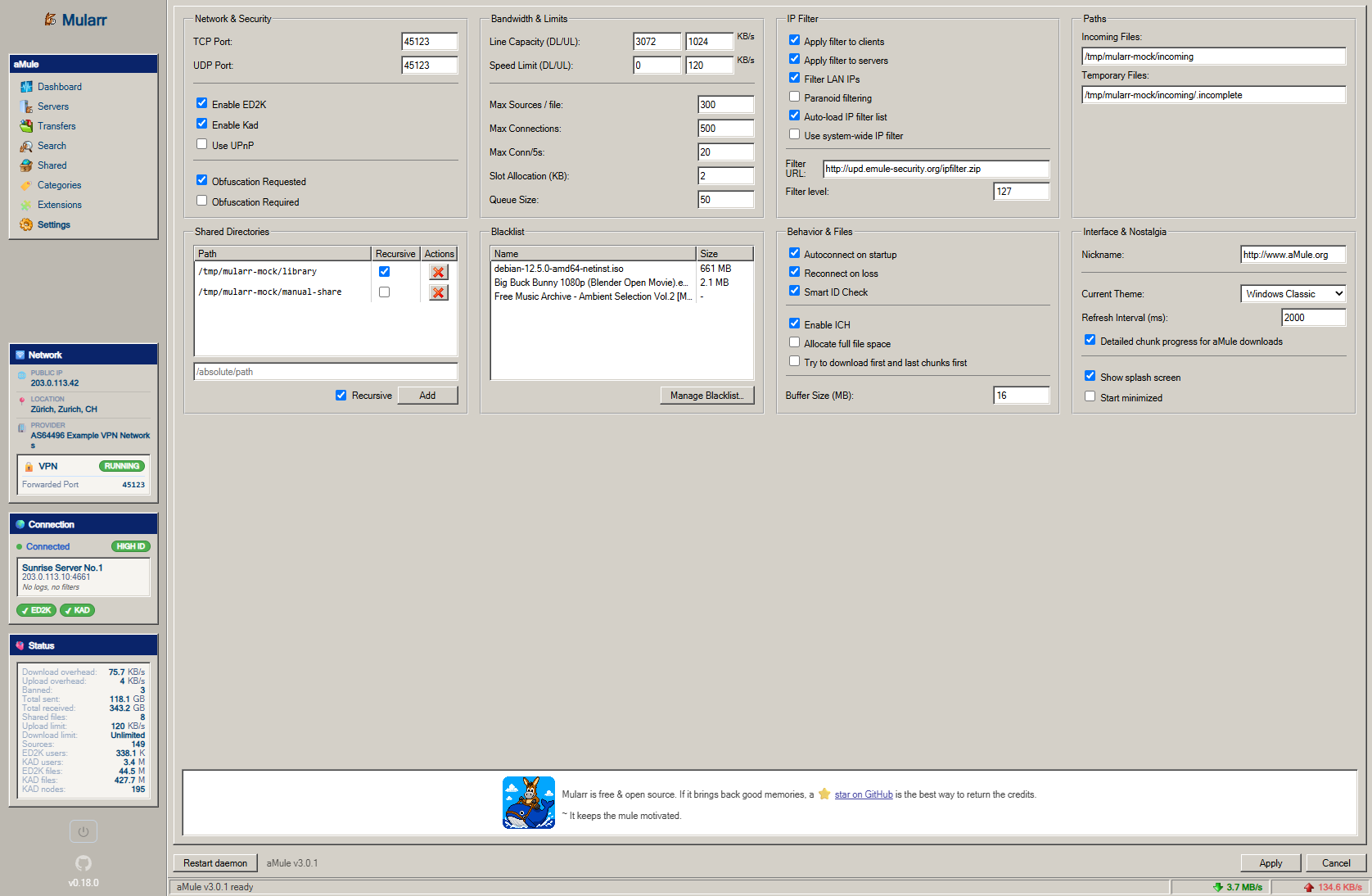
Dashboard, Transfers and Settings view
You can configure Mularr as both an indexer and a download client.
Tip
In Sonarr/Radarr's configuration forms, click Show Advanced to reveal all required fields.
To configure as indexer use the following settings:
- Type: Torznab
- API Path:
/api/as-torznab-indexer
To configure as download client use the following settings:
- Type: qBittorrent
- URL Base:
/api/as-qbittorrent
eD2k has no RSS feed for Sonarr/Radarr to poll, so Mularr builds one. In Extensions, add a Sonarr or Radarr extension with the instance URL and API key: Mularr periodically searches for the titles in its Wanted > Missing list and publishes the matches in its Torznab feed.
The extension also chooses which search providers that app uses, for the sync and for its own automatic searches.
Unlike eD2k, Telegram and Hispashare do report new releases, and Mularr can add them to the same feed: enable it in the Hispashare extension settings or with the Indexer feed toggle in the Telegram view. The Indexer Feed view shows the state of the feed.
Hispashare catalogues eD2k releases by title, with IMDb ids. In Extensions, add a Hispashare extension with the personal token from hispashare.org/token. Its releases then show up in searches next to aMule's, linked to their Hispashare page, and are downloaded by aMule like any other eD2k file. The Sonarr/Radarr sync looks titles up by IMDb id on Hispashare when it knows it, and so do their automatic searches: with Hispashare enabled the indexer accepts IMDb ids and answers them from the Hispashare catalogue.
The API allows 250 requests per hour per token. Mularr caches identical searches for 15 minutes and stops background searches when fewer than 30 requests are left, keeping them for the ones you run yourself.
Mularr is built primarily with TypeScript.
| Component | Technology |
|---|---|
| Frontend | Chispa + Vite |
| Backend | Node.js + Express |
| Database | SQLite (better-sqlite3) |
If you want to contribute or run Mularr you need docker & VS Code devcontainers. Open the project in the devcontainer and it automatically installs the needed dependencies.
All runtime data (SQLite database, aMule config and downloads) is kept in dev-data/ at the repository root, which is gitignored and mirrors the /app/data volume of the production image.
Then you can start the application in dev mode:
cd backend
npm run devcd frontend
npm run devThe included Dockerfile handles everything for you. It builds the frontend and bundles it with the backend for a single-image deployment.
docker build -t mularr .To contribute, follow the standard process:
- Fork the Project
- Create your feature branch & Commit your changes
- Open a Pull Request
Any contributions you make are greatly appreciated.
MIT
Made with ❤️ for the P2P Community