
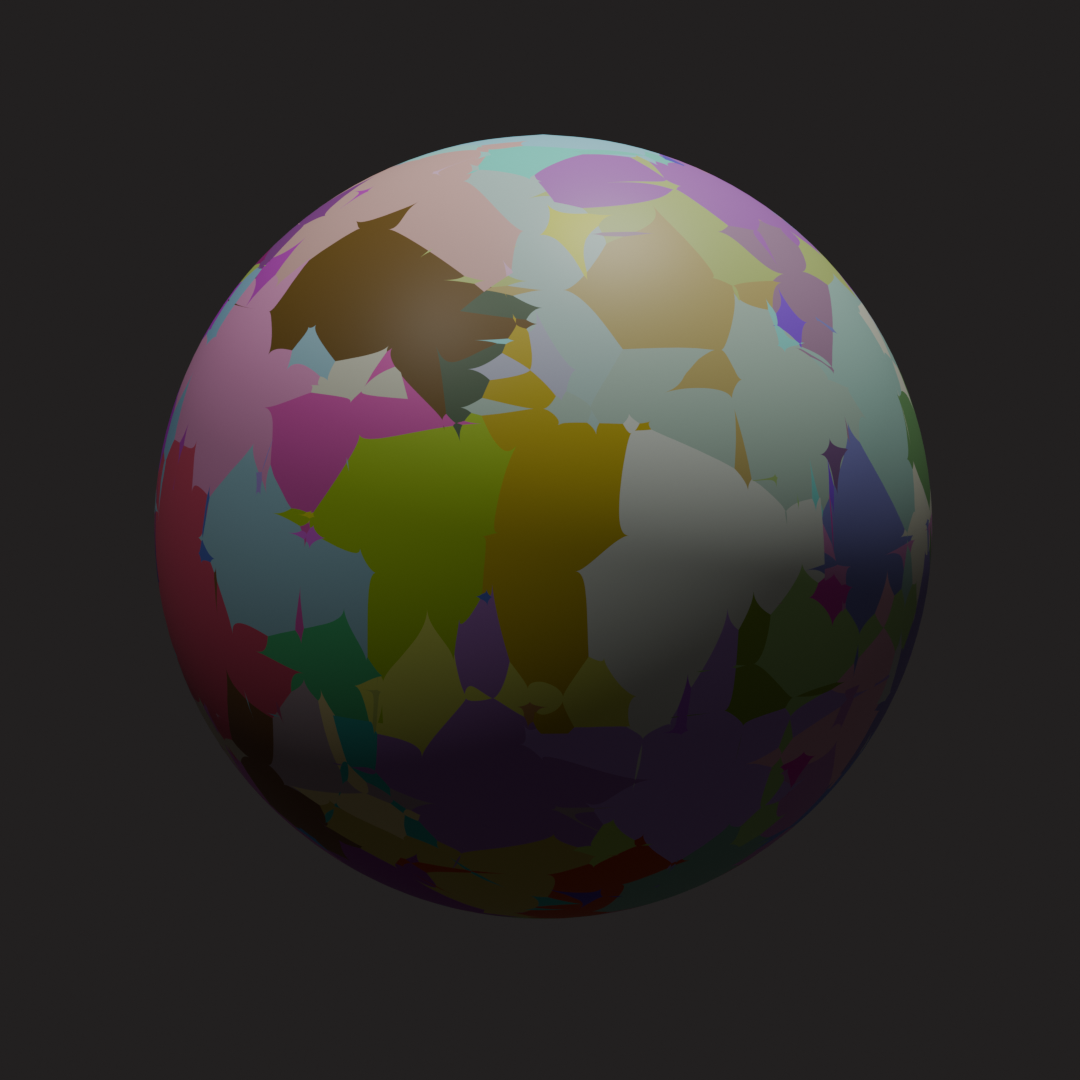
Sometimes artists need to render multiple materials. Doing this manually will take a lot of time, which is why I made this tool. It automates the process and gives consistent outputs, and is easily customizable.
- Drag all .blend file/s into "input/".
- run
./export.sh - Render results end up in "output/"
It renders every single material from .blend files inside of "input/" and exports them to "output/" in PNG format.
The scene at the root of the folder is also completely customizable, you can open it in Blender and adjust everything yourself, even the default mesh (keep in mind to only have 1 object mesh, as the script only looks for one).
If customized and saved, it will render exactly as you set it.
When .blend files are put in "input/", just run ./export.sh from the directory and it will start rendering.
If you get stuck, try to delete the "output/" folder.