
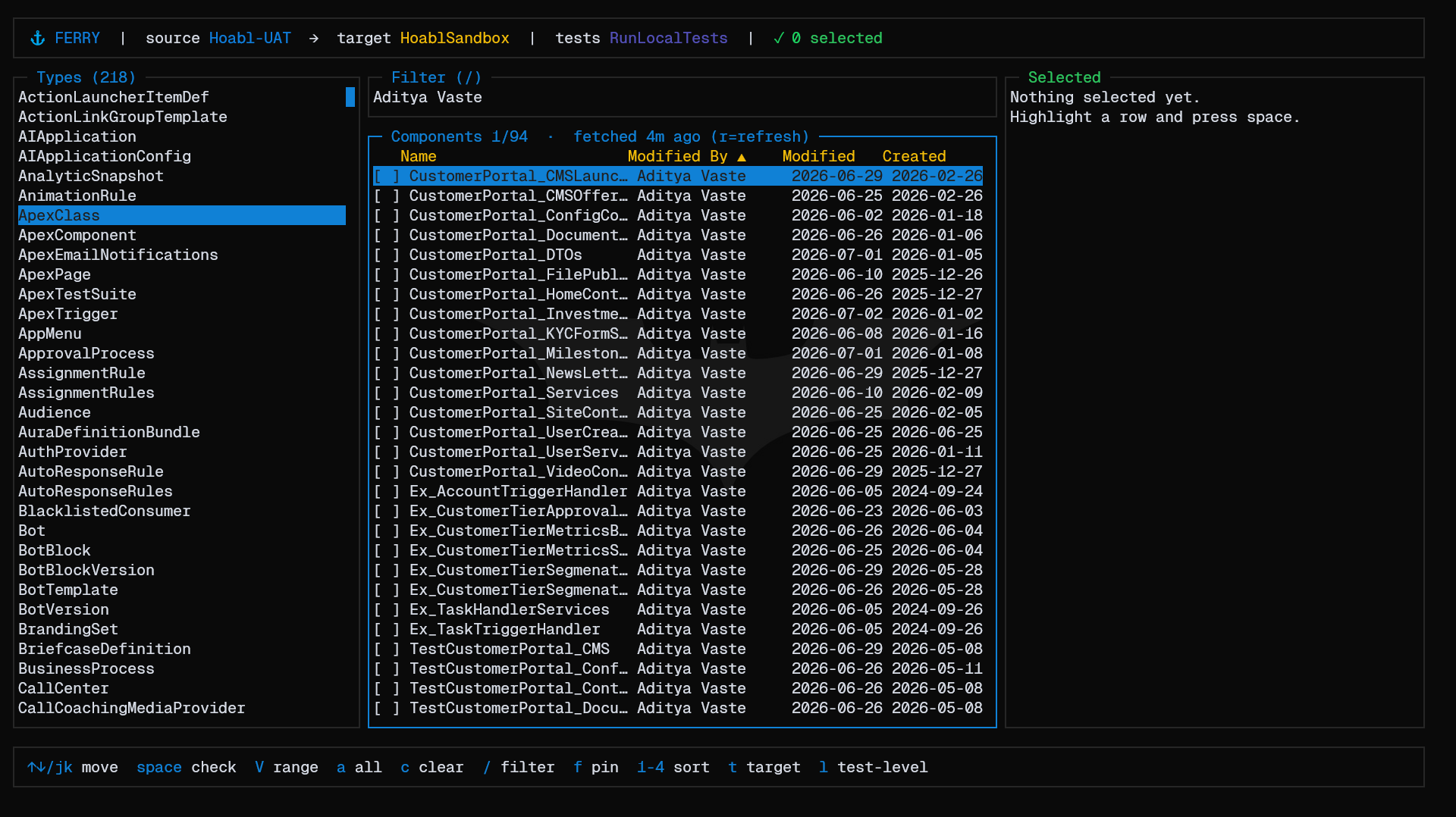
Move Salesforce metadata from one org to another, right from your terminal. Browse a source org, tick the components you want, and validate or deploy them to a target org — like a change set, without the clicking.


npm install -g sf-ferryNeeds Node 18+ and the Salesforce sf CLI, already logged in to your orgs
(ferry reuses those logins — it never asks you to sign in again).
ferry --source uat --target prodOpens the selector on uat. Pick your components, press d to deploy (or
v to validate). No local project or hand-written package.xml required.
Just kicking the tires?
ferry --demo # runs on fixture data, no org connection- Real columns. Sort by owner, last-modified, and created date — details that live in the org, not in local files.
- Pick fast. Filter, range-select, select-all; check components across any number of types, including child types like CustomField and ValidationRule.
- Deploy or validate straight to the target with any test level.
- Never lose your place. It remembers your selection, last target, and a history of past selections — resume a failed deploy right where you left off.
- Scriptable.
ferry run … --jsondoes the same thing headless, for CI.
| Key | Does |
|---|---|
↑ ↓ / j k |
move |
space |
check / uncheck (or remove, in the Selected pane) |
/ |
filter · f keep the filter across types |
V |
range-select |
t · l |
pick target org · pick test level |
v · d |
validate · deploy |
s · S |
load a saved selection · save one by name |
? |
full keybinding help · q quit |
| Command | Does |
|---|---|
ferry |
the interactive selector (default) |
ferry run |
headless deploy/validate for CI — --import/--session, --validate, --json |
ferry log |
recent deploy history |
ferry status |
what's cached (sessions, metadata, retrieve zips) |
ferry clean |
clear cached state (--all includes saved sessions) |
ferry orgs |
list your authenticated orgs |
Start from an existing manifest:
ferry --source uat --import path/to/package.xml # or a metadata .zipValidate in CI:
ferry run --source uat --target prod --import manifest/package.xml \
--validate --test-level RunLocalTests --json- Full keybindings — press
?inside the app. - A visual guide — usage, how it works, and where state is stored — lives in
docs/index.html. - Inspect what's cached with
ferry status.