App Terminator is a simple Python script that allows you to manage and terminate macOS applications that are not in your allowed list. It uses a simple Tkinter-based GUI and is designed to be user-friendly and efficient.
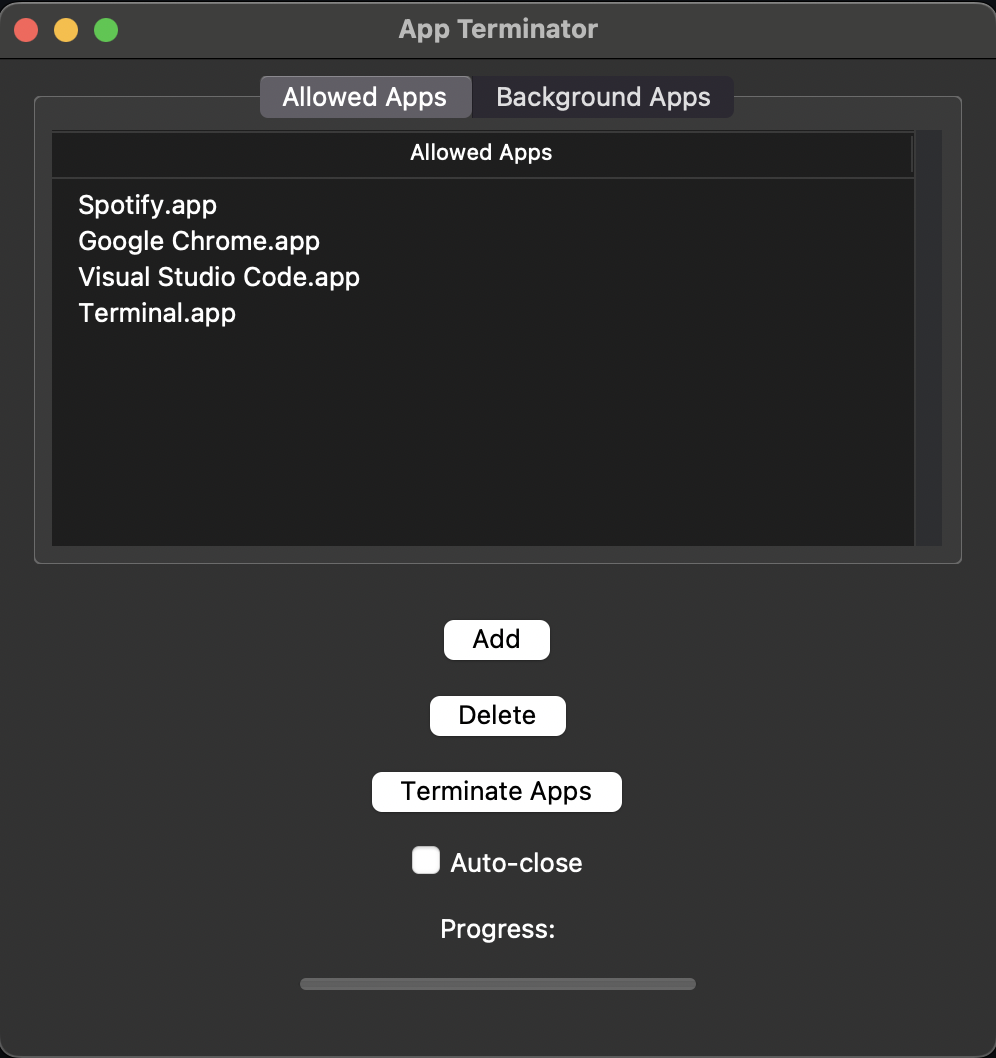
- Add and delete allowed applications
- Terminate applications that are not in the allowed list
- Terminate helper applications that are part of the main applications
- Auto-close feature after terminating applications
- Displays progress and termination status in real-time
- Python 3.7 or higher
- Tkinter
- psutil
- Clone the repository:
git clone https://github.com/TLE47/App_Terminator
cd App_Terminator
- (Optional) Create and activate a virtual environment:
python3 -m venv venv
source venv/bin/activate
- Install the required packages:
pip install -r requirements.txt
-
Run the script: python app_terminator.py
-
Use the GUI to add or delete allowed applications, and terminate applications not in the allowed list.
Pull requests are welcome. For major changes, please open an issue first to discuss what you would like to change.
Please make sure to update tests as appropriate.
License MIT