

Logo and icon assets for FOSSBilling, based on the original artwork by @anatolinicolae.
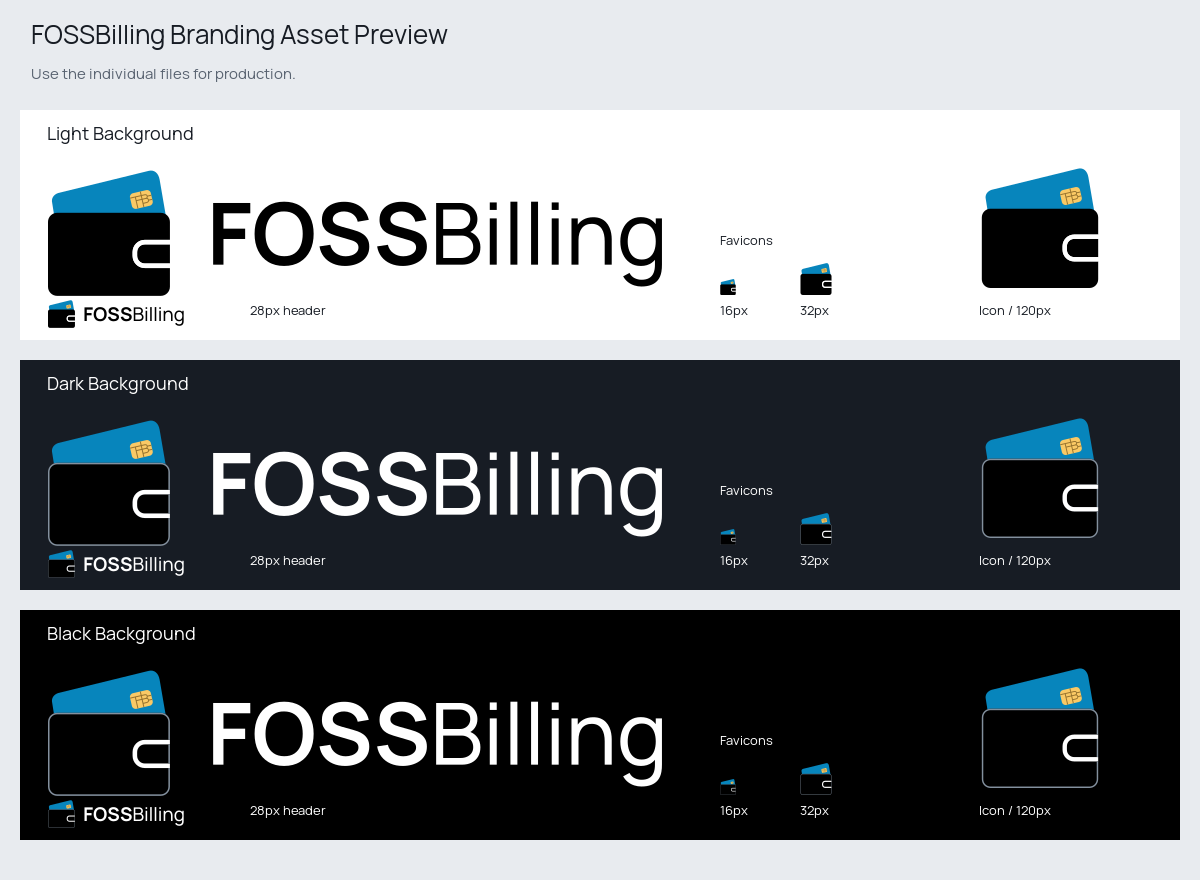
Individual assets are available at https://branding.fossbilling.org. See the manifest for available files, or download the ZIP.
Choose the variant for the background behind the artwork. Both variants have transparent backgrounds; the folder name describes where to use them.
| Background | Full Logo | Icon | Treatment |
|---|---|---|---|
| Light | SVG | SVG | Black wordmark and wallet |
| Dark or black | SVG | SVG | White wordmark and muted wallet outline |


Use the SVGs when possible. Their lettering is converted to paths, so they render without an installed font. Use the PNG exports when a vector format is not supported. Scale proportionally and leave clear space around the artwork.
The SVGs in source/*-background/ are the editable masters. Open them in Inkscape or Adobe Illustrator.
For typography changes, install the included Manrope variable font and edit fossbilling-logo-text.svg in software with variable-font support. Keep this file's lettering editable, then save a copy as fossbilling-logo.svg with the text converted to paths.
When changing the icon, update it in both the standalone icon and the logo files, including the text version, for both background variants. Run npm run generate and commit the source changes and regenerated assets/ SVGs.
| Element | Colour |
|---|---|
| Wallet and light-background wordmark | #000000 |
| Card | #0785BC |
| Chip | #FAC965 |
| Chip divisions | #94712D |
| Clasp separator and dark-background wordmark | #FFFFFF |
| Dark-background wallet outline | #83909E |
The wordmark uses Manrope, with FOSS at weight 700 and Billing at weight 450, with default letter spacing. Manrope is distributed under the SIL Open Font License. The font license applies to the font, not the FOSSBilling branding.
Requires Node.js 24 or newer. The TypeScript scripts run directly in Node.js, without a build step.
npm ci
npm run generate
Generates optimised SVGs in assets/, plus transparent PNGs, SVG/ICO favicons, and Apple touch icons for both background variants in dist/. The generated dist/manifest.json lists exported assets and records the UTC export time as exportedAt.
The bundle includes preview.png, a reference sheet showing the logos and icons on light and dark backgrounds, including header and favicon sizes.
Configure source paths and export sizes in export.config.json. Commit the optimised SVGs in assets/; do not commit dist/.
Generation removes obsolete exports for sizes or variants removed from the configuration.
Run npm run typecheck to check the scripts and tests, and npm test to run the export tests.
The build and publish workflow generates a downloadable fossbilling-branding artifact on pull requests, pushes to main, and manual runs. The artifact contains the generated assets and manifest.json.
Pushes to main publish these files and fossbilling-branding.zip to Cloudflare R2. To publish the selected branch from a manual run, set publish to true.
- ✔️ Use the logo when writing about or linking to FOSSBilling, when truthful and not misleading.
- ✔️ Use the logo in the original form and color.
- ❌ You may not use the name "FOSSBilling" as a product/service title, account or company name.
- ❌ Don't modify the logo in any way.
- ❌ Don't publish, distribute, sublicense, and/or sell it as your own.
- ❌ Don't use FOSSBilling's branding in the name of your business, product, service, app, domain name, social media account, other offering, or business indicator unless you have explicit permission from FOSSBilling.
- ❌ Don't change the capitalization or punctuation. Always refer to the brand name as "FOSSBilling", with no spaces and with the letters "FOSSB" being capitalized.
- ❌ Don't place FOSSBilling's logo over a background that is too busy or does not provide enough contrast.
FOSSBilling is free and open source software. You are free to use and modify it under the terms of the Apache 2.0 license.
That license does NOT cover the FOSSBilling name or the logo which are copyright of FOSSBilling. Using the name or logo (with or without the name), or derivatives, as your own, for your own services or company is not allowed without explicit permission.