




VaultPass is a local, educational password manager built with Python, SQLite, Rich, and the cryptography library.
It stores website credentials in a local SQLite database, encrypts passwords with AES-CBC, protects access with a master password held through the operating-system keyring, and includes a configurable password generator.
VaultPass is intended for learning, personal experimentation, and authorized security research. It is not positioned as a production-grade enterprise password manager.
| Capability | What it does |
|---|---|
| Local credential vault | Creates and uses VaultPass.db to store account records. |
| Master-password access | Uses the operating-system keyring to store and verify the VaultPass master password. |
| Key derivation | Derives a 256-bit encryption key from the master password using PBKDF2-HMAC-SHA256. |
| AES encryption | Encrypts account passwords using AES-CBC with a random initialization vector. |
| Account management | Add, edit, delete, and view website credentials. |
| Password generator | Creates randomized passwords with uppercase, lowercase, numeric, and symbol characters. |
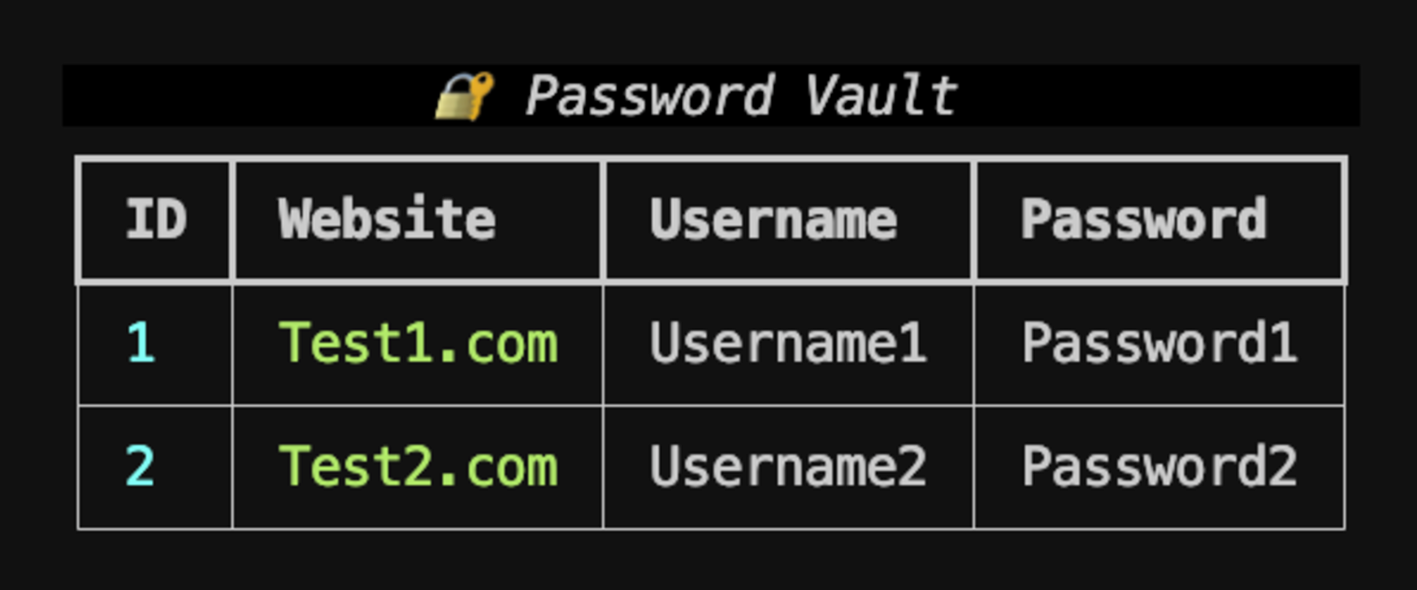
| Terminal interface | Provides a Rich-based interactive menu and password-vault table. |
| Component | Implementation |
|---|---|
| Master password | Stored through the system keyring under the VaultPass service. |
| Encryption key | Derived using PBKDF2-HMAC-SHA256 with 1,000,000 iterations. |
| Password storage | AES-CBC encryption with a random 16-byte IV. |
| Database | Local SQLite file named VaultPass.db. |
| Generator entropy | Uses Python's secrets module for random selection and shuffling. |
The supplied implementation uses a hardcoded salt value. Treat the vault as an educational implementation rather than a hardened production credential store.
- Python 3 with
pip. - A supported operating-system keyring backend.
- An interactive terminal.
Install the required packages:
python3 -m pip install rich pwinput keyring cryptographyIf your environment uses python rather than python3, substitute that interpreter consistently.
Run the application:
python3 VaultPass.pyOn first launch, VaultPass prompts you to create a master password. That password is stored in the system keyring and is used to derive the AES encryption key.
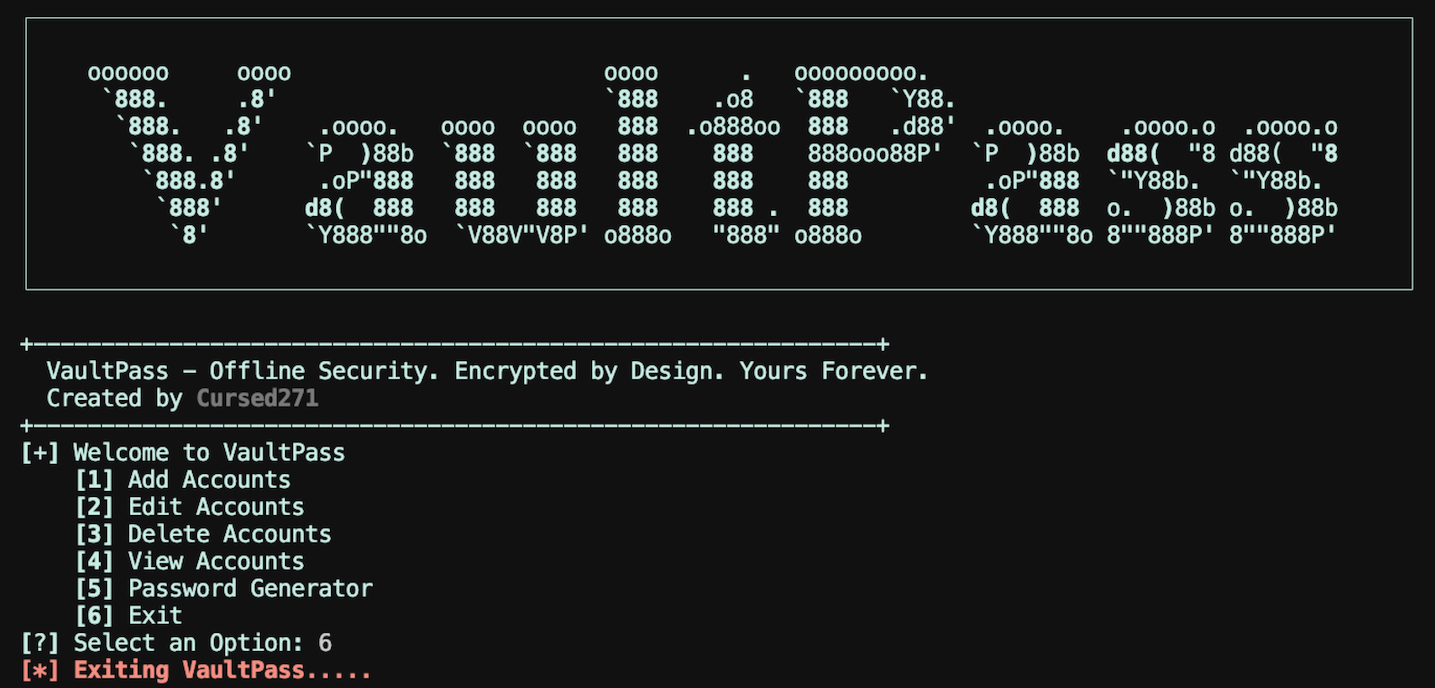
| Option | Action |
|---|---|
1 |
Add a website, username, and password. |
2 |
Edit an existing account by ID. |
3 |
Delete an existing account by ID. |
4 |
View all stored accounts and decrypted passwords. |
5 |
Generate a password of at least 16 characters. |
6 |
Exit VaultPass. |
The generator enforces a minimum length of 16 characters and guarantees at least one uppercase letter, lowercase letter, digit, and symbol. Remaining characters are selected from the combined character set and shuffled securely.
VaultPass creates the following local artifacts:
| File | Purpose |
|---|---|
VaultPass.db |
SQLite database containing account names, usernames, and encrypted passwords. |
| Operating-system keyring entry | Stores the VaultPass master password. |
Deleting the database does not necessarily remove the keyring entry. Remove the VaultPass keyring entry separately if you want to reset master-password access.
- The salt is hardcoded in the source.
- AES-CBC is used without an authentication tag; ciphertext integrity is not independently verified.
- Decrypted passwords are displayed in the terminal table.
- Account deletion removes the database row but does not securely erase prior database pages.
- The master-password comparison is performed in plaintext within the application.
- No export, import, backup, multi-user, or password-history functionality is implemented.
- No database migration or schema-version handling is provided.
- Use a unique master password that is not reused elsewhere.
- Keep
VaultPass.dband keyring access private. - Do not use VaultPass for production credentials without independently reviewing its cryptography and threat model.
- Back up important credentials through a trusted and tested mechanism.
- Avoid running VaultPass on shared or untrusted systems.
| Version | Scope |
|---|---|
| Version 1 | Local SQLite vault, AES-CBC password encryption, master-password access, account management, and password generation |
VaultPass is distributed under the CursedSec Ownership Edict (COE).
Read LICENSE for the applicable permissions, restrictions, contribution terms, and disclaimers. Public source availability is not a substitute for those terms.
Use the repository's bug-report or feature-request template when issue submission is available.
Include the version, operating system, command, sanitized output, and reproduction steps. Never publish client scan results, credentials, sensitive infrastructure details, or evidence containing confidential data.
Check the security-reporting instructions before disclosing a vulnerability. Review the license and contribution terms before submitting modifications.


Discover. Encrypt. Control.
CursedSec.com · Cursed271 · VaultPass